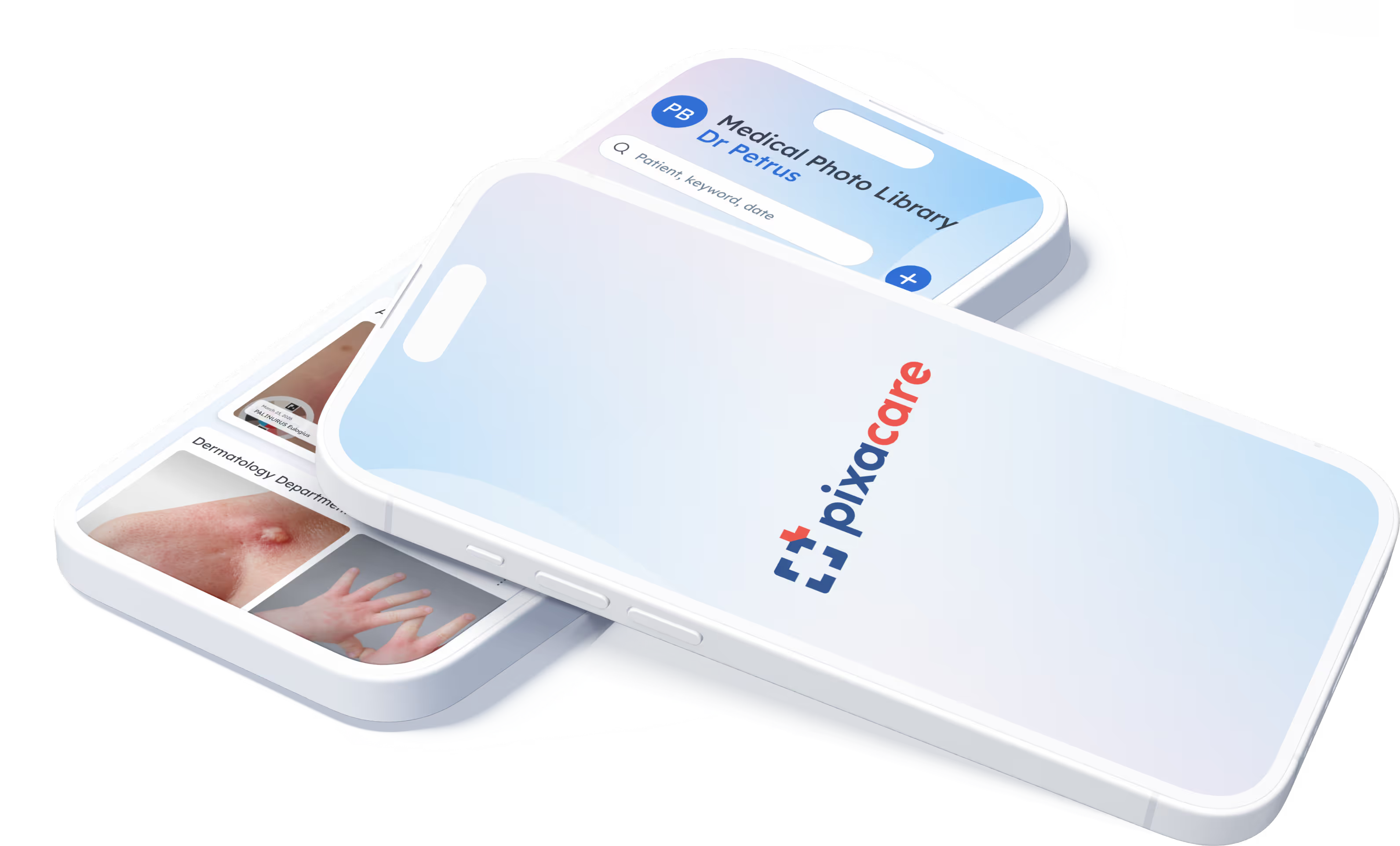



Structured medical photo library for clinical follow-up
A secure medical photo and video library, organised by patient.
A gallery designed for healthcare professionals
A complete solution for securely capturing, organizing, and sharing your medical images.

A 100% medical gallery
- Gallery separate from the phone
- Automatic indexing
- Importing your old photos

Save time during consultations
Organize your photos and videos in seconds. On average, save +3 minutes per consultation (Kuster et al.)

Clinical follow-up over time
- Before / after comparison
- Reliable visual history
- Manual planimetry

Share and collaborate on patient images
A shared photo library to organize collaboration within the department.

Offline mode
Take photos and start documentation even offline. Synchronization occurs automatically once connectivity is restored.
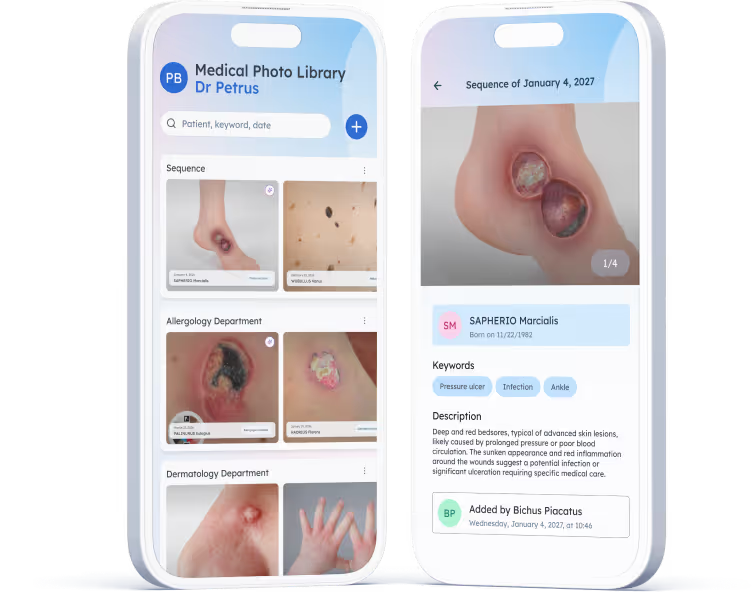
Essential features to automate medical photo management

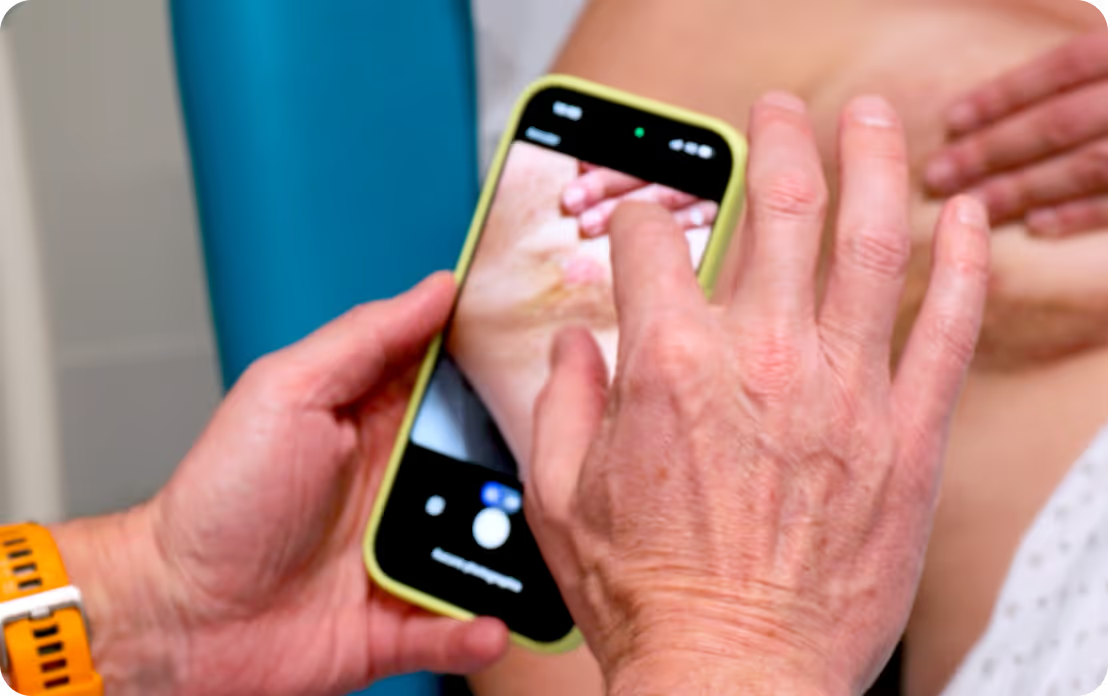
Quick image capture during consultation
Take structured photos in a few seconds, even without a connection.

A dedicated gallery for medical images
All your clinical photos automatically organized, always in the right place.

Work as a team on the same patients
Shared documentation to standardize department practices.
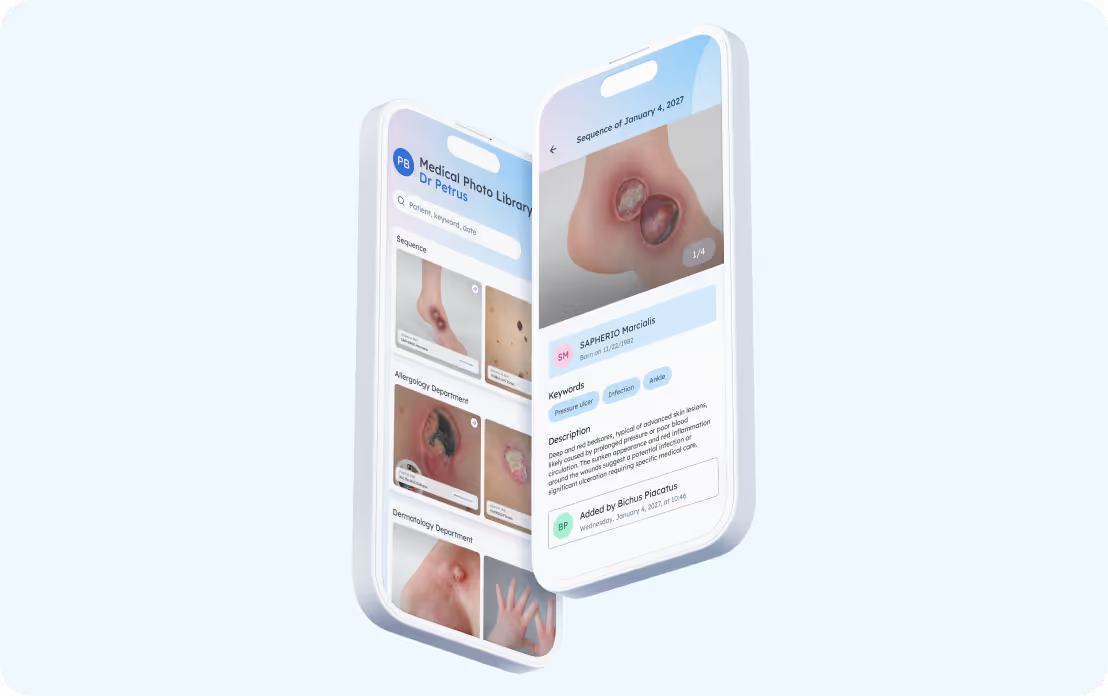


Essential features to automate medical photo management

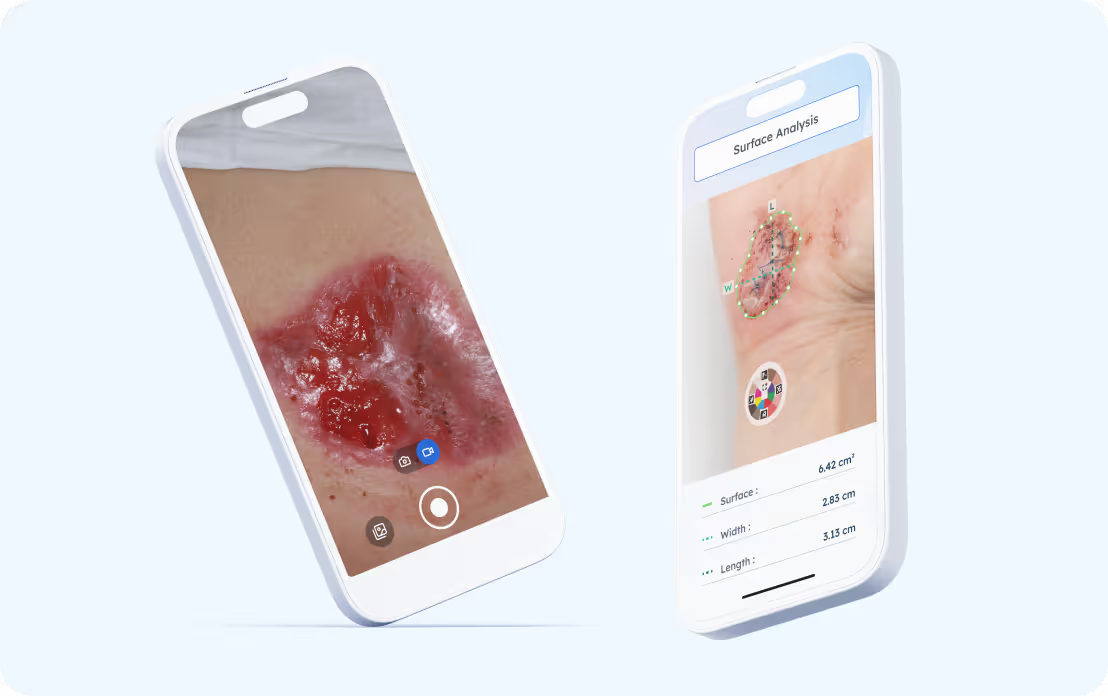
Document follow-up: measurements, comparisons, videos
Visualize progress, annotate images, and standardize your clinical follow-up.

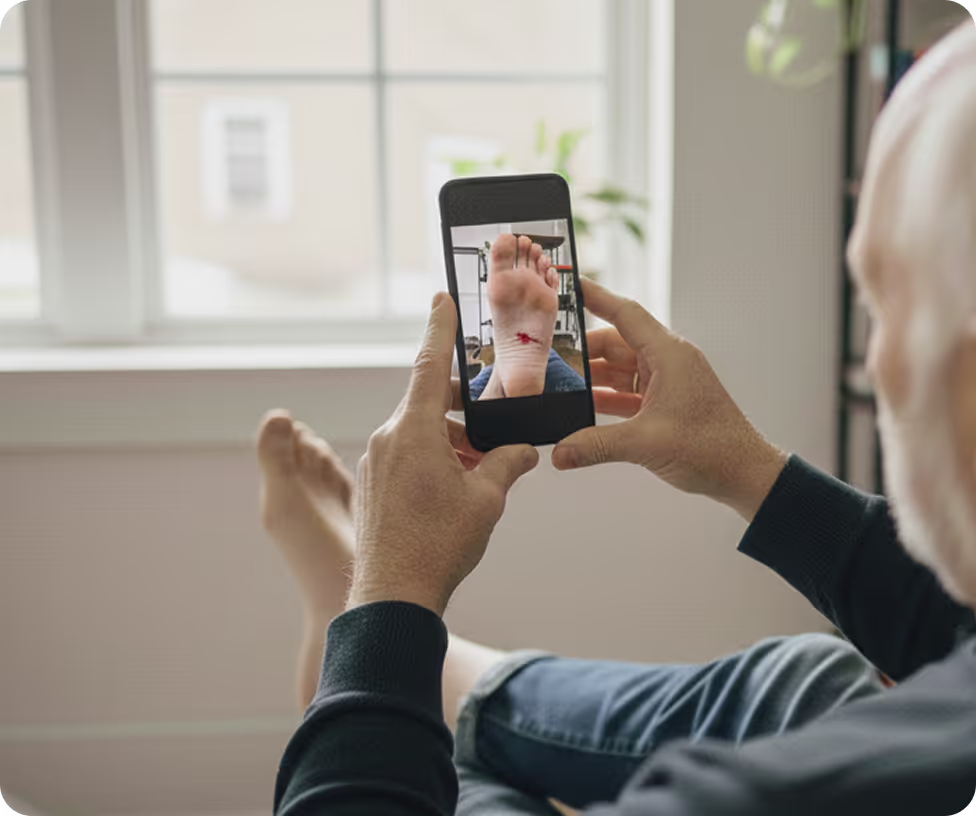
Collect photos taken at home (ePRO)
Engage patients and enhance your follow-up with photos taken at home.
Frequently asked questions about the medical photo library
Can photos be exported for an operative report, a multidisciplinary team meeting, or a clinical study?
Do photos taken by patients at home appear in the photo library?
Can multiple caregivers document the same patient?
How are photos organized in the photo library?
Can I take photos without an internet connection?
Are photos taken with Pixacare saved to the phone's gallery?
Deploy the medical image library